
Product description
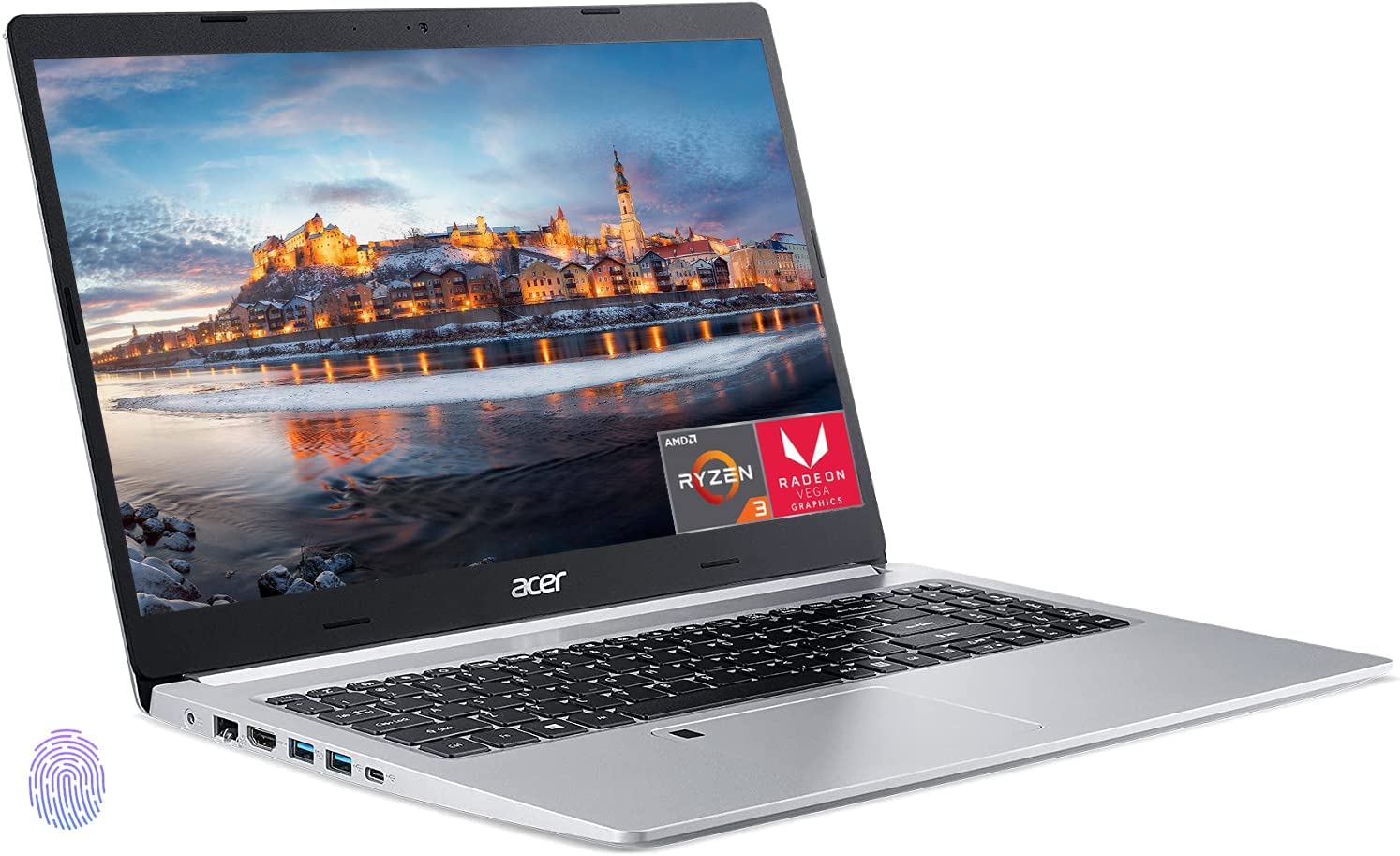
- 【Upgraded Powerful Storage】20GB DDR4 RAM, 1TB NVMe SSD. RAM is upgraded to 20GB high-bandwidth RAM to smoothly run multiple applications and browser tabs all at once; Hard Drive is upgraded to 1TB Solid State Drive allows to fast bootup and data transfer
- 【15.6” Full HD Display】15.6" Full HD (1920 x 1080) widescreen LED backlit IPS non-touch Display with 82.58% screen-to-body, 16:9 aspect ratio and narrow bezels
- 【AMD Ryzen 3 3350U Processor】AMD Ryzen 3 3350U Quad-Core Processor (Base Frequency at 2.10GHz, Up to 3.50GHz at Maximum Boost Clock, 4 Cores, 4MB Cache, 4 Threads). The perfect combination of performance, power consumption, and value helps your device run smoothly. AMD Radeon Vega 6 Graphics
- 【Other Key Features】Backlit Keyboard with Numeric Keypad, Fingerprint reader, Built-in Alexa, Acer TrueHarmony & PurifiedVoice Technology. Up to 10 hours of battery life (mixed usage), Realtek Wi-Fi 6 (1x2), Bluetooth 5.1, 720p HD Webcam
- 【Win 11 S mode】You may switch win 11 S mode to the regular win 11: Update Microsoft App Store to the latest version. Press "Start button" bottom left of the screen; Select "Settings" icon above "power" icon; Select Update & Security and Activation, then Go to Store; Select "Get" option under "Switch out of S mode"; Hit Install